

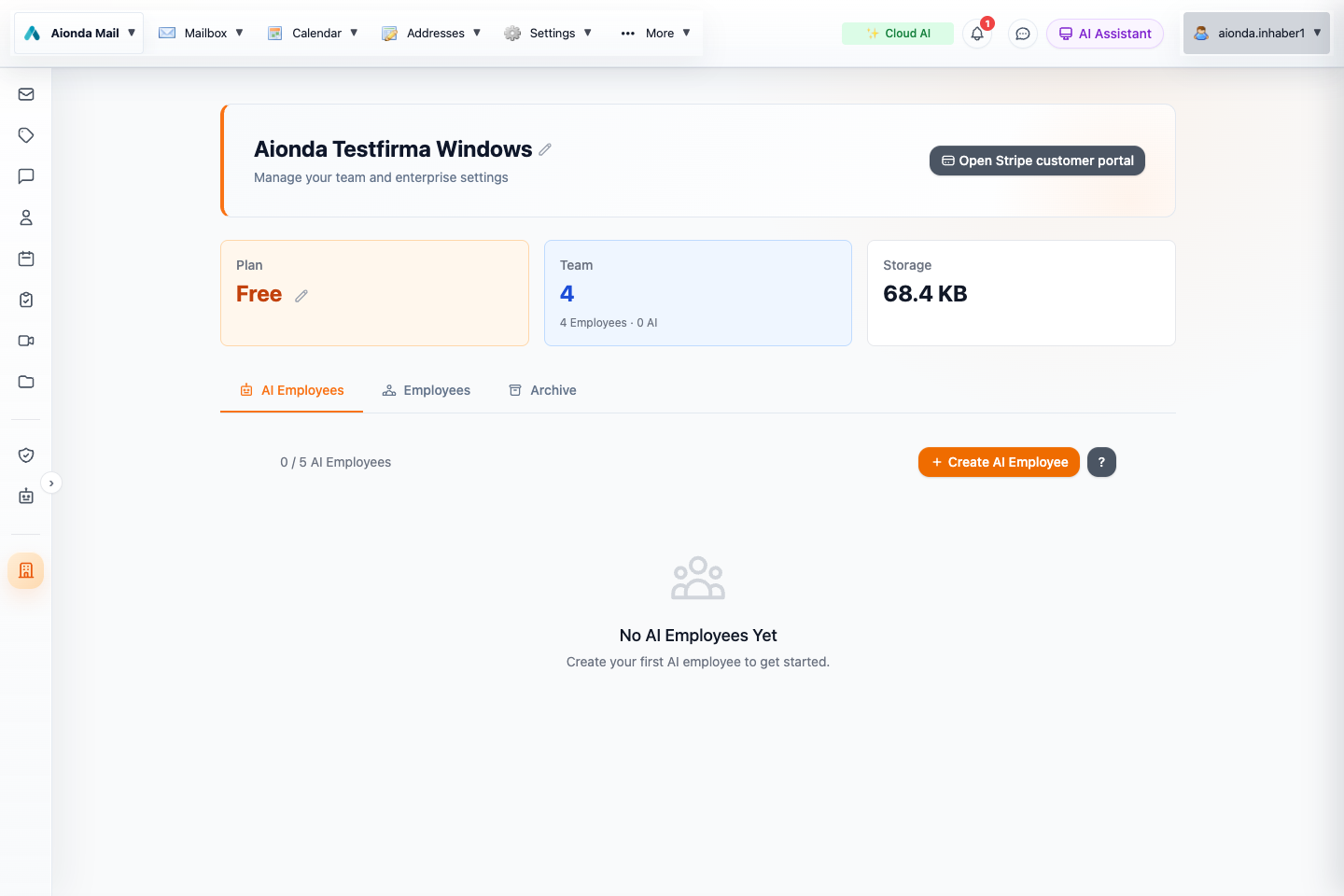
- Open AI Employees in Enterprise.
- Create a scoped AI identity when setting up a new responsibility.
Select the screenshot to open the full-size image.
Set up a distinct identity
Open Enterprise → AI Employees to manage AI identities. Give each a clear name and purpose, supply the instructions and knowledge needed for that role, and review its permissions before use. A support assistant and a private assistant should not share an identity simply because they use the same model.
Visibility and knowledge
Each AI employee belongs to one visibility group in the initial group model. Company discovery and allowed interactions are constrained by that scope. Grant resource access explicitly; a role description written in natural language is not a substitute for permission checks.
Provide only the documents and mailbox access required for the role. Instructions or requests inside received email are untrusted input. An AI employee should not interpret a message asking for secrets as authorization to reveal them.
Review operation
Start with a narrow, non-destructive task. Inspect the output and available run information before expanding the scope. Verify recipients and external communications, especially for financial, legal or customer commitments. Correct the instructions or permissions when a recurring mistake appears.
Changing responsibility
Do not move an already-used AI employee between private and company groups in the initial release. Create a new scoped identity for the new responsibility. Review old shares and retained context independently; changing a display name does not remove previous access or history.